Tool access
Where to Use a Laser Cutter
Updated June 11, 2026
Laser cutters are the perfect shared tool: expensive to own, demanding to ventilate, and only needed in bursts for most projects. That's why they're also the machine most makerspaces, libraries, and schools put behind a short training class. Here's how to get on one near you.
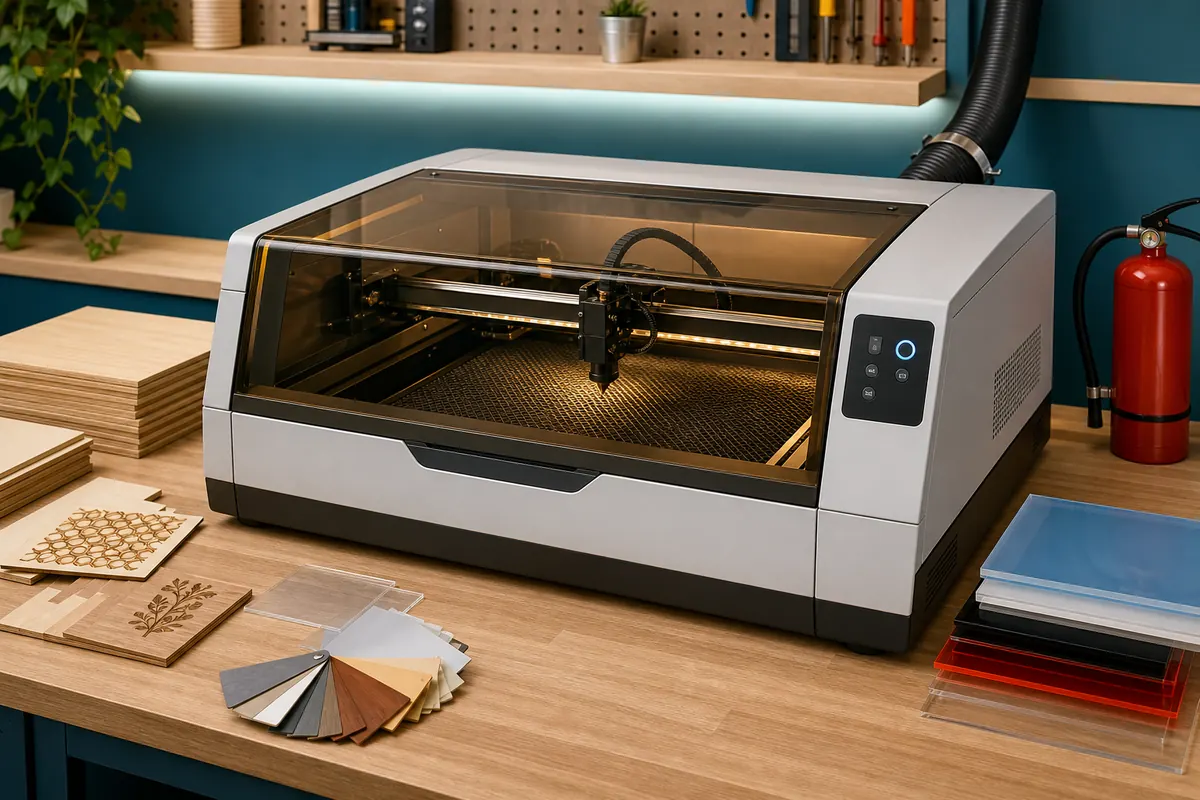
The four most common access paths
- Makerspaces and shared shops — the most capable machines (often 60W+ CO2 with large beds) and the most flexible hours. Expect a required checkout class and either included or metered laser time.
- Public library maker labs — a growing number have small CO2 or diode lasers, free or near-free after an orientation. Beds are small and sessions are capped, but for ornaments, tags, and small signs they're unbeatable value.
- Schools and community colleges — fab lab and design courses include laser access with actual instruction. Best path if you want to learn the full design-to-cut workflow rather than just push “start.”
- Paid cutting services — local sign shops and online services cut your files per job. Zero learning curve, no membership; the right answer for one-offs and production runs.
What a laser checkout class covers (and why it's required)
Every legitimate shared laser requires training, usually 1–2 hours. You'll cover focusing, material settings, the exhaust system, and — most importantly — fire watch. Lasers start fires, routinely and undramatically; small flare-ups are normal and the operator standing right there is the fire suppression system. A space that hands you laser access with no training is a red flag, not a convenience.
Material rules are non-negotiable
Shared lasers ban PVC, vinyl, and anything chlorinated — burning them releases chlorine gas that corrodes the machine and your lungs. Most shops also ban unknown reclaimed materials and anything with hidden glue or coatings. Common approved materials: plywood, solid wood, cast acrylic, leather (vegetable-tanned), paper, cardboard, and anodized aluminum for engraving. Buy from the shop's approved list or their own material stock the first few times.
What access usually costs
| Path | Typical cost | Catch |
|---|---|---|
| Makerspace | $50–$200/mo, laser time sometimes metered | Checkout class waitlists |
| Library lab | Free–$10/session | Small beds, limited hours |
| College course | Course fees per semester | Access tied to enrollment |
| Cutting service | $30–$100+ per job | No learning, no iteration at the machine |
When it's time to consider your own machine
Shared access wins until you're either cutting weekly, doing production work, or constantly blocked by reservation calendars. Desktop diode machines (like FoxAlien's engravers) handle engraving and thin-stock cutting at home if you solve ventilation; bigger CO2 work usually still belongs at the shop. We walk the full decision in use a makerspace laser or buy one?, and The Maker Guide covers specific machines.
Frequently asked questions
How do I find a laser cutter near me?
Search “laser cutting class,” “makerspace,” and “fab lab” plus your city — and check your public library system's event page, which rarely ranks in search but often has the answer. Our finding guide has the full strategy.
How much does it cost to use a laser cutter at a makerspace?
Membership ($50–$200/month) plus, at many spaces, metered laser time around $0.50–$2 per minute of cutting. Libraries and schools are cheaper but more limited. Always ask which billing model a space uses.
Can I cut metal on a makerspace laser?
Almost never. Hobby and mid-range CO2 lasers engrave coated metals but don't cut them. Metal cutting needs fiber lasers, plasma, or waterjet — see metalworking access for where those live.
What file format do I need?
Vector formats — SVG, DXF, AI, or PDF — for cutting, with stroke colors often used to separate cut/score/engrave operations. Ask the space for their template before your session; it saves half an hour of setup.